How to add auction purchases to your dealer inventory
Review available auction vehicles before the sale, record the ones you purchase, and continue managing those vehicles in 17digit with a plan that includes inventory.
Buy Now helps you prepare for the auction. Inventory and paperwork tools help you manage what happens after you buy. Here is how those steps connect, including what standalone Buy Now provides and when you need inventory access.
1. Review the auction list before the sale
Open Buy Now and choose the available auction lists you want to review. Set your buying preferences, including makes, models, mileage, price, and buying rules, to focus on vehicles that fit your dealership.
Review the available vehicle information and select the vehicles you want to consider. Auction coverage and the detail shown depend on the lists available in your account. Dealer-license verification is required to view inventory.
2. Record a vehicle you purchased
After you purchase a vehicle, select that vehicle from the list and use the purchase action. Enter the actual purchase price, then review the buyer fee, transport cost, and initial repair allowance before confirming.
These costs make the purchase record more useful than the hammer price alone. An estimated transport or repair amount should be checked against actual costs as the vehicle moves through your operation.
| Auction purchase price | $6,500 |
|---|---|
| Buyer fee | $350 |
| Transport | $200 |
| Initial repair allowance | $450 |
| Estimated landed cost | $7,500 |
3. Continue in dealer inventory
Standalone Buy Now records the vehicle as purchased. Full inventory management requires a 17digit plan with inventory access. With that access, purchased vehicles can be added from the list to inventory, carrying the vehicle and purchase costs into the next part of the workflow.
Use the inventory record to follow vehicle status, costs, and title progress. If you already own the vehicle or purchased it outside an available auction list, you can also add it manually.
Check which 17digit plan includes the inventory tools you need.
4. Prepare the paperwork when the vehicle sells
Add the buyer and sale details to the vehicle record, then prepare the available deal-jacket forms. Review missing information, inspect the populated paperwork, and use the printing, PDF download, and signature options for the deal.
The free first-deal offer covers one completed paperwork deal jacket. It does not include all auction and inventory features. See what the first free deal includes.
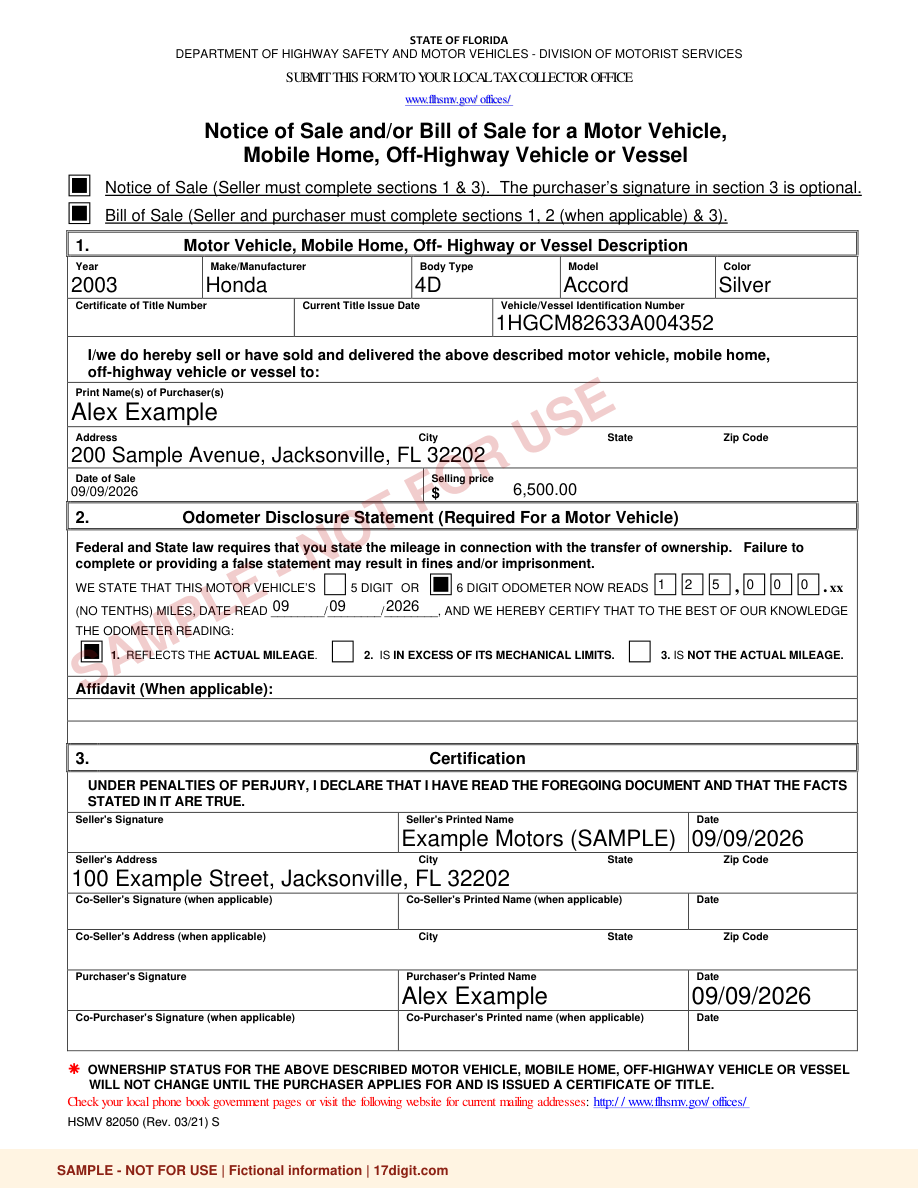
Watch the 60-second dealer paperwork walkthrough and read its transcript.
Questions about auction purchases and inventory
Does reviewing a list purchase a vehicle?
No. Review the available information before the sale, then record a purchase after you have bought the vehicle. Selecting a vehicle for review is not a bid or a completed purchase.
Does standalone Buy Now include full inventory management?
No. It records purchases. Continuing into full inventory management requires a 17digit plan with inventory access.
Can I use paperwork without an auction purchase?
Yes. You can start with a vehicle you already own and enter its details manually. The first completed deal jacket is free; additional Pay Per Deal jackets cost $9.99 each, or you can choose a monthly paperwork plan.